Installed applications for local work and connected equipment
Codebytes develops installed software for workstations, kiosks and business tools. A desktop application can be a good fit when the work depends on local files, operating-system access, equipment or a dedicated interface. We are based in Hamilton and serve businesses across Ontario.
We scope the application around its users, operating systems and devices. That can include local processing, file handling, touch interfaces, connections to a backend and the way software is installed and updated.
An installed application may still need a network for shared records or payments. We identify what must work locally and what depends on a connection, rather than treating desktop software as automatically offline.
Windows business tools and staff applications
Touchscreen kiosks and POS interfaces
Local files, processing and operating-system integration
Installers, updates and connections to shared services
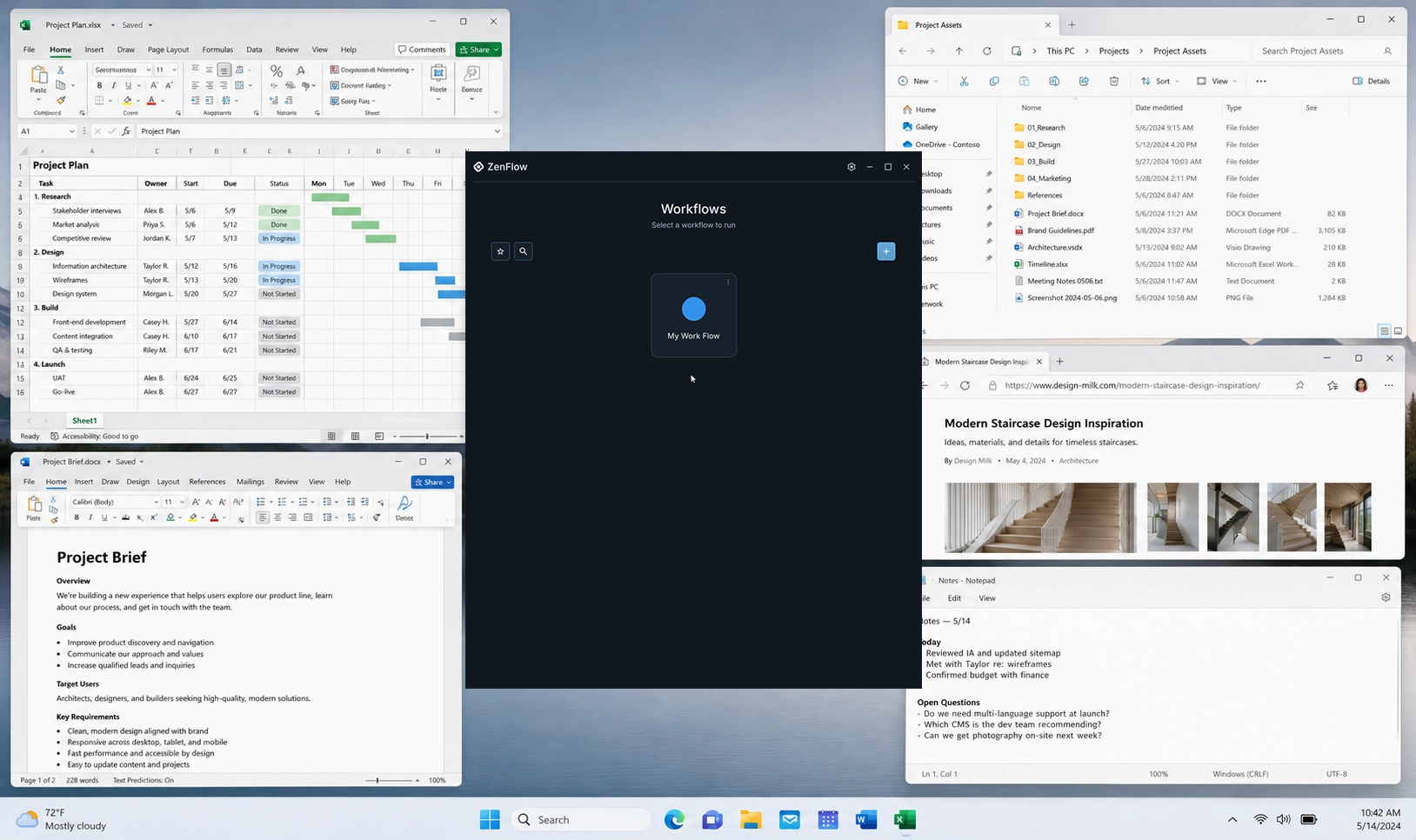
Desktop application example: ZenFlow
ZenFlow is a Windows-first desktop application built with C++ and Qt. The work includes local workflows, browser integration, an installer and connected account and licensing services. It demonstrates the application and distribution work involved in delivering an installed product.
ZenFlow: a Windows desktop application with local workflows and connected services.
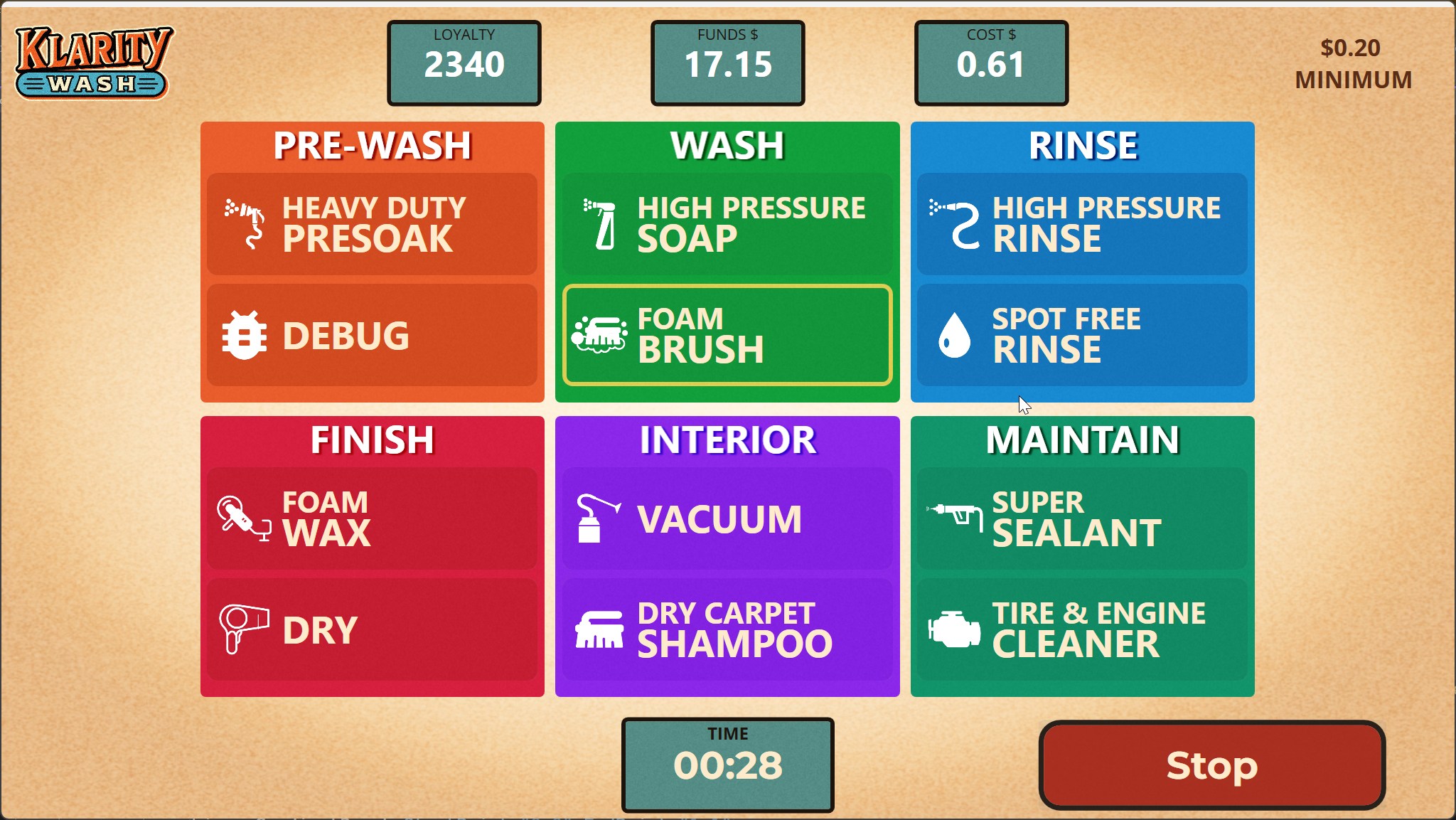
Klarity uses Windows touchscreen applications for customer kiosks and staff POS. Those applications connect payments, accounts and physical wash controls with a cloud backend and web administration. The project preserved existing equipment while replacing the software around it.
Klarity: installed touchscreen software connected to a working car wash.
We can review what it does, the records it holds and any equipment or operating-system dependencies. The replacement scope should cover data migration, continued access and the parts of the existing workflow that need to keep working.
Can a desktop application also have a web portal?
Yes. Klarity combines Windows applications with web administration and a shared backend. Different users can have different interfaces while working with the same business system.
Which operating systems should we plan for?
List the systems your users actually have and any device or vendor requirements. The examples above are Windows projects. Other platform requirements should be reviewed as part of the project scope before choosing the implementation.
Request a free project quote
Tell us what the application should do, which operating systems and devices it must support, and whether it replaces an existing tool. Include any equipment or local-file requirements.