
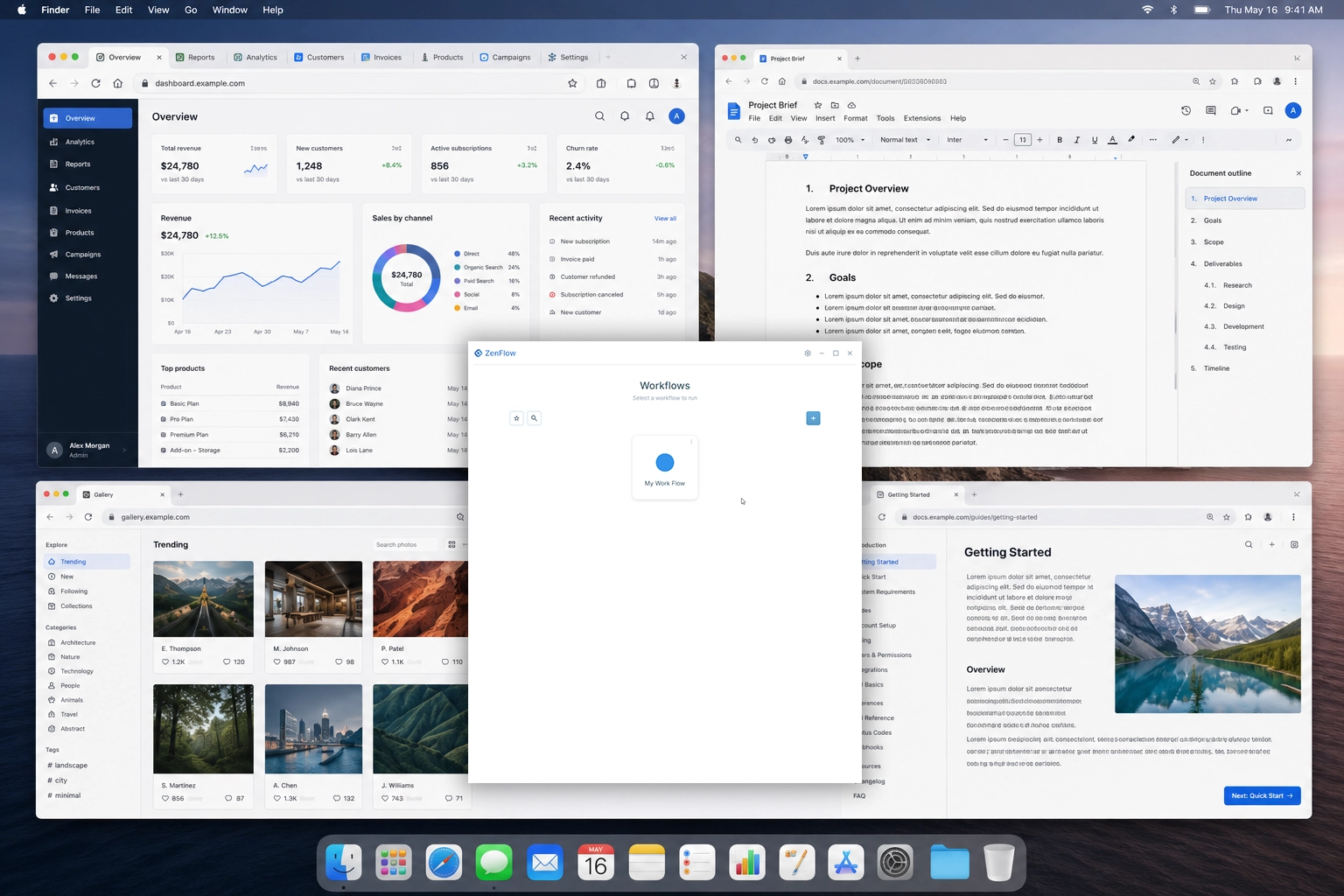
 Desktop workflow automation product
Desktop workflow automation product
ZenFlow
Turning scattered desktop and browser work into reusable launchable workflows
ZenFlow was built as a full product system for people whose work depends on repeated desktop and browser context. Codebytes designed and developed the desktop app, browser capture bridge, licensing and download backend, public site, installer, diagnostics, and release tooling needed to turn a workflow idea into a shippable software product.
Windows desktop workflow authoring and launch system
Browser capture through extension and native messaging bridge
Product infrastructure for licensing, downloads, beta access, diagnostics, and releases
Why This Project Matters
Many software projects are described as apps, but the real challenge is often the system around the app. ZenFlow is a good example. The desktop interface is the part users see, but the product also needed reliable local storage, browser integration, installer behavior, licensing, downloads, account access, diagnostics, and release validation.
The user problem was practical: modern work is scattered across desktop programs, folders, files, scripts, web pages, and browser tabs. Rebuilding that context by hand wastes time and makes repeated work feel heavier than it should.
ZenFlow was designed to make that context reusable. A workflow could become a named place that opens the right resources again instead of forcing the user to reconstruct the same working setup from memory.
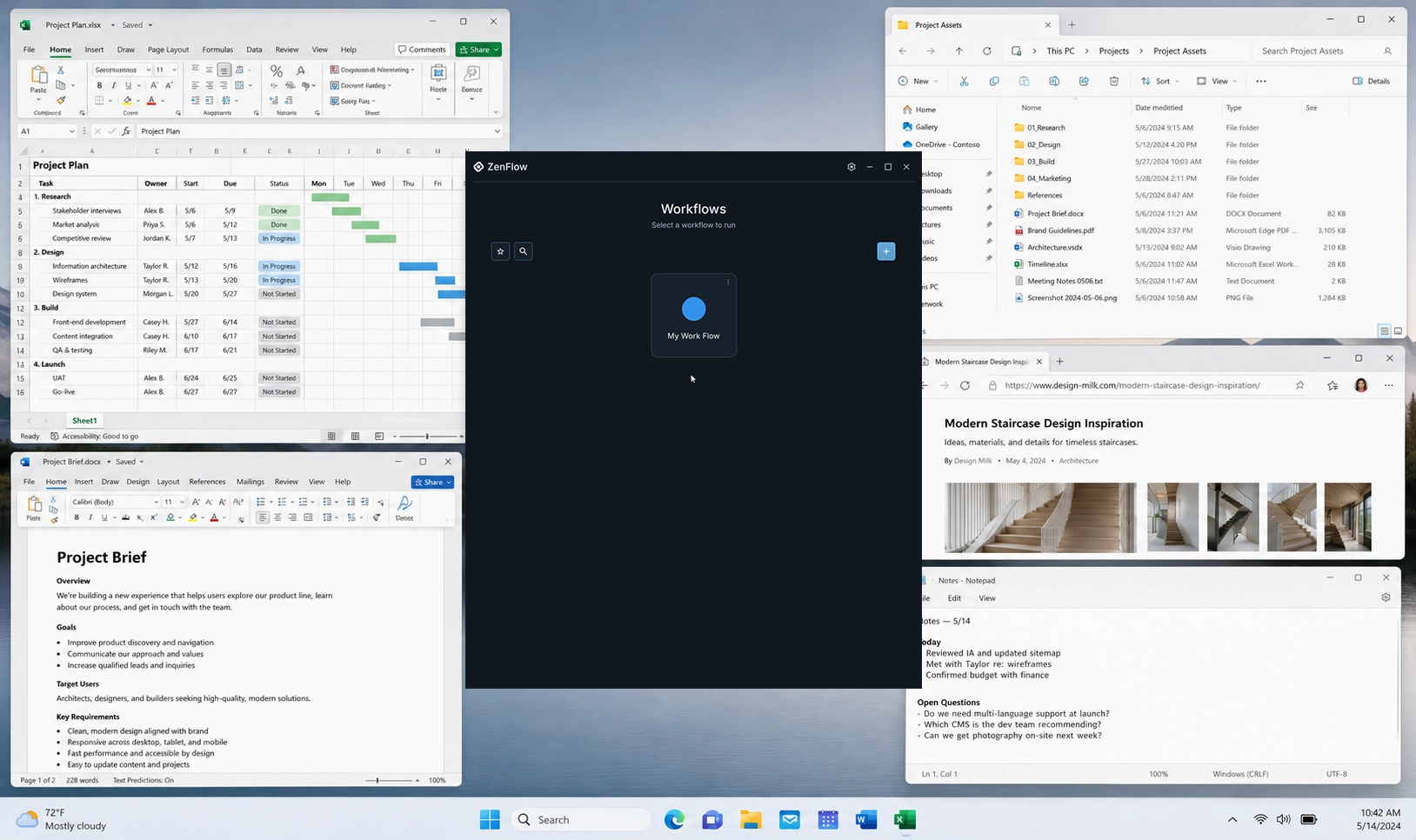
The Problem
The core problem was not just opening apps. A useful workflow can include applications, URLs, browser tabs, files, folders, scripts, Explorer locations, shortcut metadata, and window placement expectations.
A normal web app cannot reliably control that local desktop context. A simple desktop app can launch local resources, but it still needs careful persistence, safe migration behavior, browser handoff, update and access infrastructure, and an installer that puts every local piece in the right place.
That meant ZenFlow needed to be treated as a product platform from the beginning, not as a single utility window.
- Users needed to save repeatable work setups instead of rebuilding them manually
- The app needed to launch local apps, folders, files, URLs, scripts, and shortcuts
- Browser workspace context needed to be captured without unsafe browser profile access
- Workflow files needed schema versioning, backups, quarantine, and safe writes
- The product needed licensing, beta access, downloads, updates, and diagnostics
- The installer needed to register the browser bridge without forcing browser extension installs
The Solution
Codebytes built ZenFlow as a Windows-first desktop product with supporting web and backend infrastructure.
The desktop app gives users a place to create, edit, save, launch, stop, favorite, archive, and inspect workflows. The workflow model is local-first, so the saved workspace definitions live on the user's machine and can be launched from the app, shortcuts, or command-line startup behavior.
Around that desktop core, Codebytes built the product systems needed for real distribution: a public website, Django API, account and beta flows, download publishing, licensing activation, browser extension capture, native messaging host, installer registration, diagnostics, and release validation.
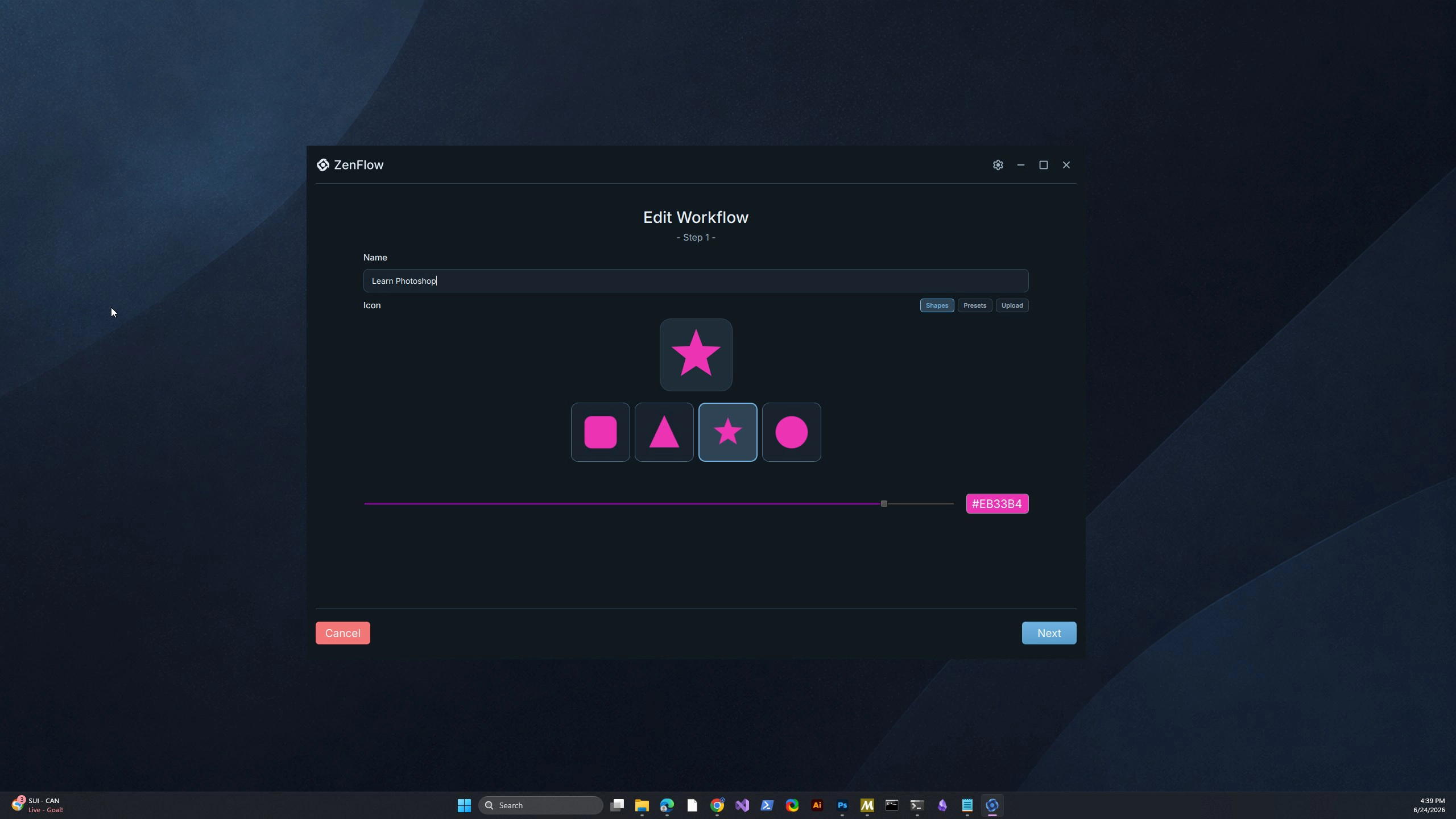
Local-First Workflow Reliability
The workflow store was one of the most important technical foundations. Saved workflows are durable user data, so load and save behavior needed to be conservative.
Codebytes built schema-versioned JSON persistence using Qt APIs, with safe write behavior, backup handling, unknown-field preservation where supported, and quarantine behavior for malformed, unsafe, or unsupported future-version files.
This protected the user's saved workflows while still allowing the product model to evolve over time.
- Schema-versioned workflow files
- Safe writes through Qt file APIs
- Backups and quarantine paths
- Legacy and future-version classification
- Unknown-field preservation where supported
- Runtime state and launch evidence tracking
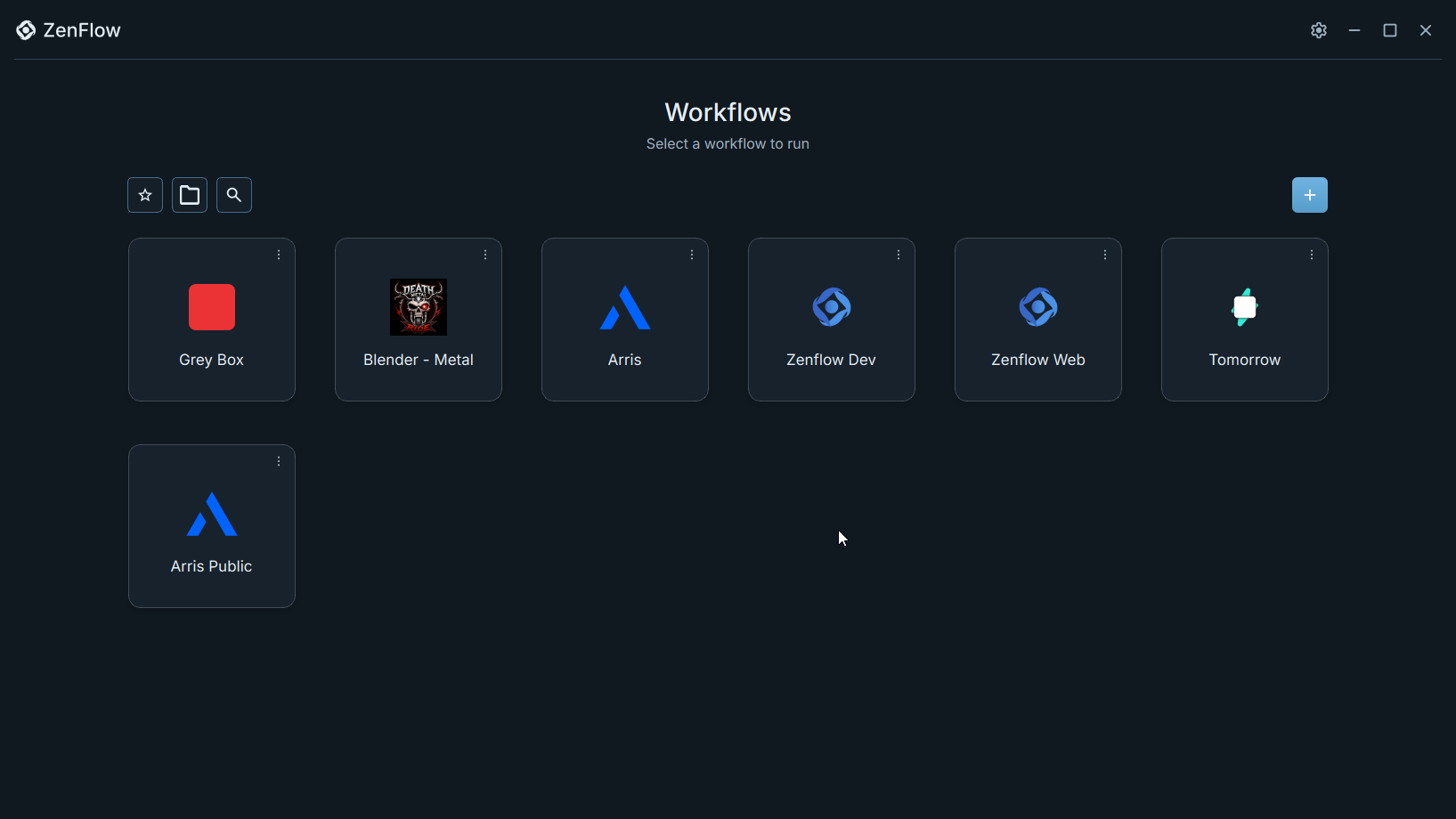
Turning Workflows Into Real OS Actions
A saved workflow is only valuable if launching it feels dependable. The launch service turns workflow definitions into real operating system actions: starting applications, opening files and folders, opening URLs, running configured scripts, applying folder rules, and coordinating platform-specific window behavior.
ZenFlow also supports shortcut creation and startup dispatch, so a workflow can be launched from places outside the main app. That made the workflow model more useful than a dashboard alone. The saved workflow could become part of the user's normal desktop environment.
- Application launching
- File, folder, URL, and Explorer location handling
- Script execution by configured shell type
- Shortcut creation and metadata
- Startup and command-line dispatch
- Window control services for launch and stop behavior
Browser Capture Without Owning the Browser
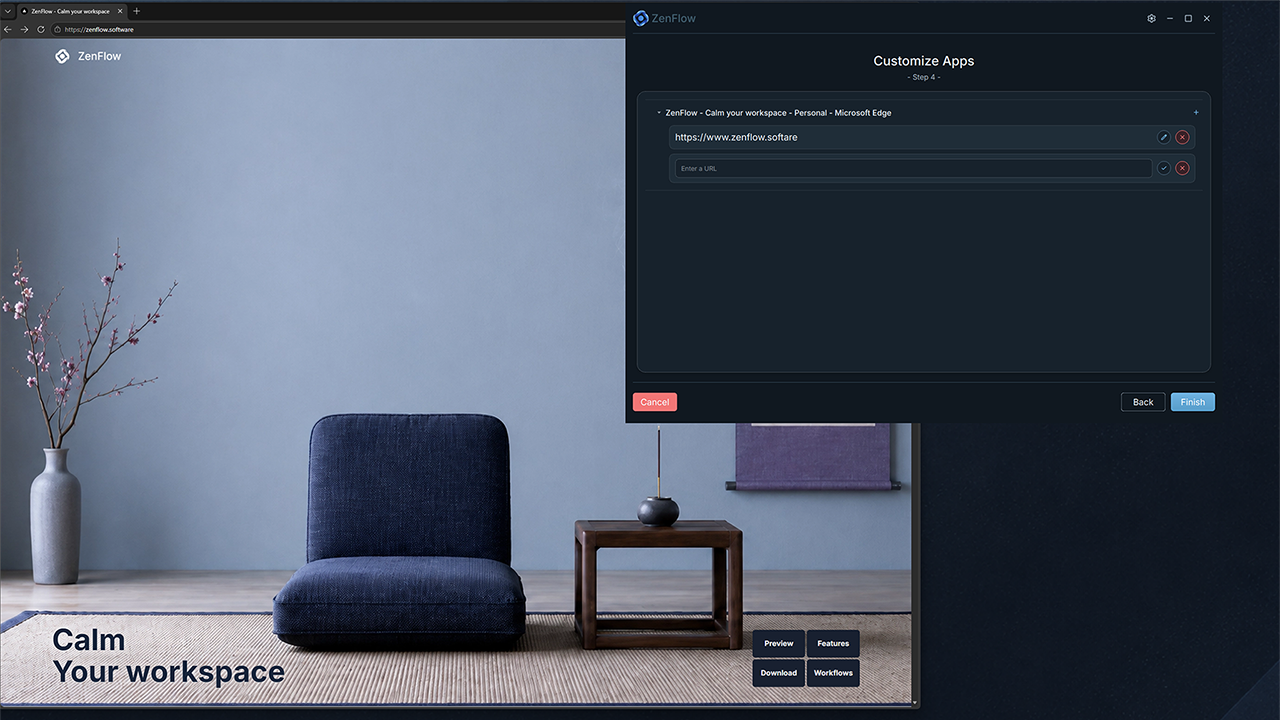
Browser tabs are a major part of modern work, but desktop software cannot safely or reliably inspect browser state on its own. Codebytes solved that through a browser extension and native messaging host.
The extension captures normal, restorable browser windows and tabs in Chrome, Edge, and Firefox. It filters private/incognito windows and browser-internal pages, then sends the workspace snapshot to the native host through the browser's native messaging API.
The native host validates the message protocol, checks payload shape and size, rejects unsupported or unsafe snapshots, and writes the accepted browser workspace snapshot to a local handoff file for the desktop app to use.
- Chrome, Edge, and Firefox extension support
- Native messaging host bridge
- Length-prefixed JSON protocol validation
- Private and browser-internal URL filtering
- Snapshot validation before local persistence
- Diagnostics for missing, stale, rejected, or unsupported bridge states
Licensing, Downloads, and Product Infrastructure
ZenFlow also needed the server-side systems that make a desktop product distributable. Codebytes built a Django API that owns accounts, beta access, products, entitlements, product keys, device activations, download records, diagnostics, billing, and store integration paths.
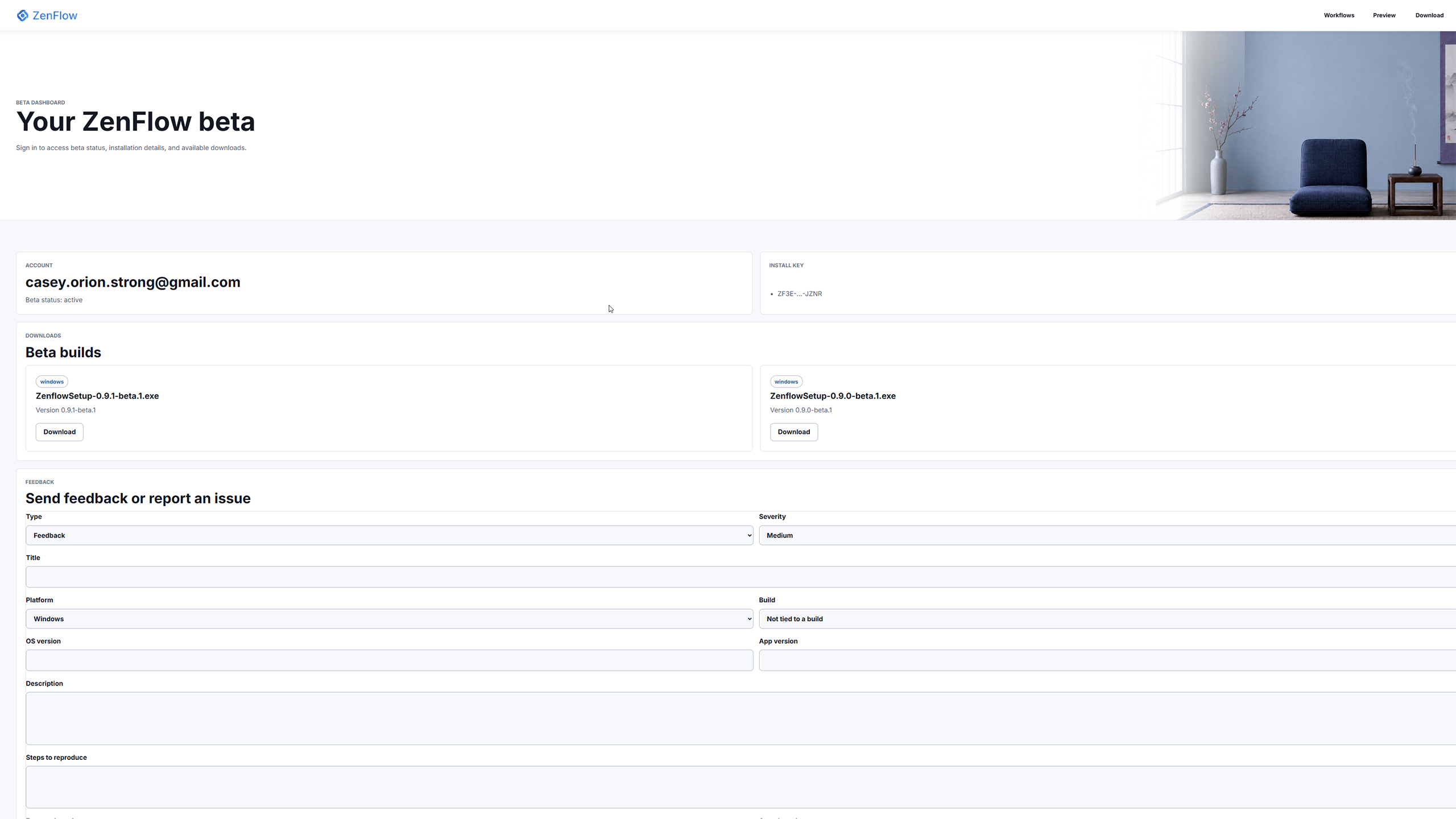
The public website is a static Next.js surface for marketing, workflow education, download entry points, and account/dashboard flows. When it needs product state, it delegates to the API rather than owning that data in the static frontend.
The desktop app uses the backend for activation and activation checks. Those responses can include entitlement state, beta access status, and update information, giving the installed app a controlled way to verify access and understand whether a newer build is available or required.
- Django and Django REST Framework API
- PostgreSQL-backed product, account, licensing, and download data
- Stripe checkout and webhook processing
- Signed download token and release artifact support
- Beta application, dashboard, access, and feedback flows
- Activation checks and update policy responses
Installer and Release Engineering
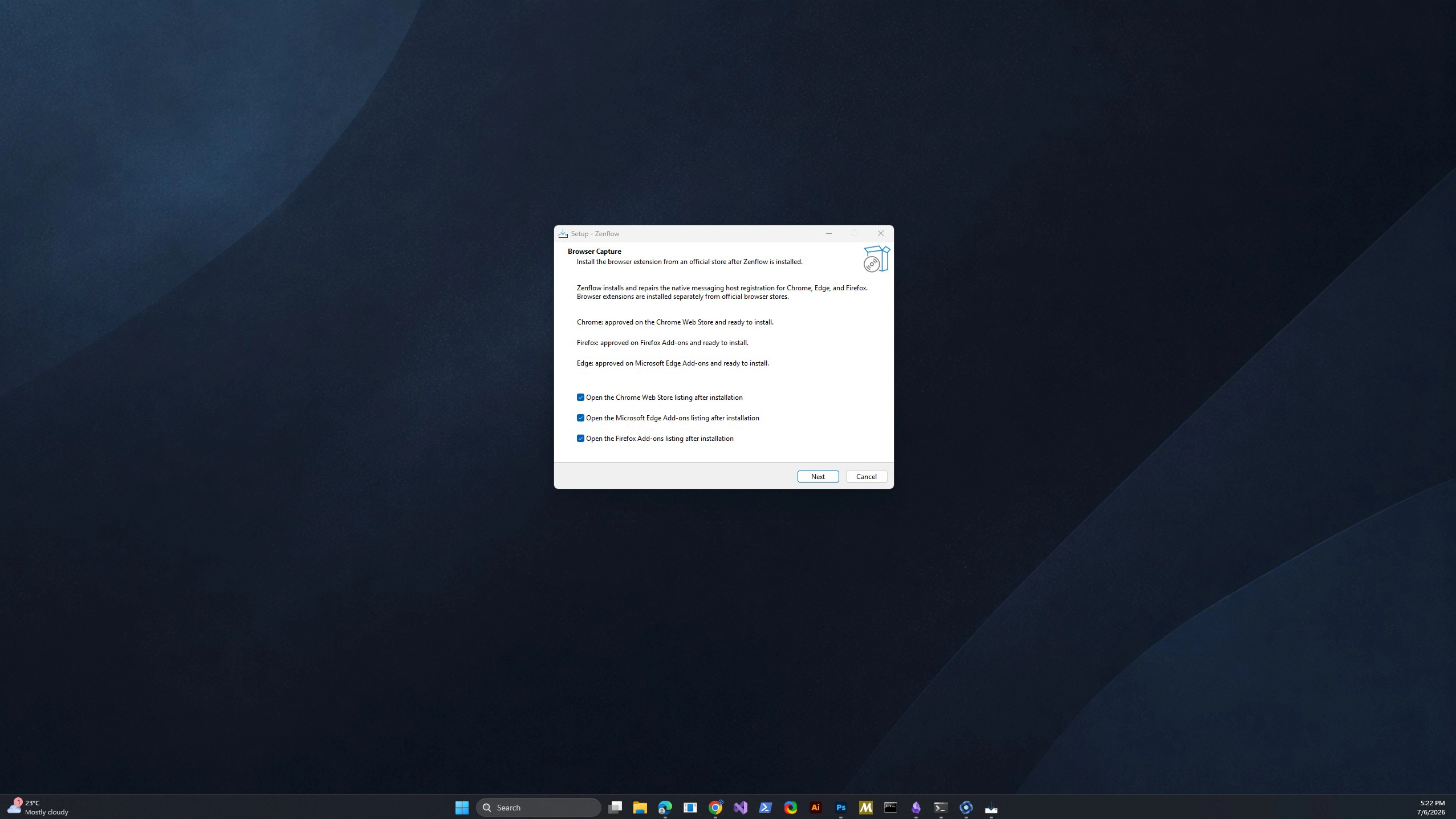
The installer tied the local product surfaces together. It installs the Qt desktop runtime, native messaging host, browser manifests, runtime DLLs, and registry entries needed for Chrome, Edge, and Firefox to find the native host.
The installer does not force-install browser extensions or mutate browser profiles. Instead, it registers the native messaging host and can guide the user toward the appropriate browser store listing. That keeps browser extension installation inside the browser's expected store flow while still making the local bridge discoverable after install.
Codebytes also built validation scripts and release checks around the installer, extension manifests, native host contract, runtime packaging, and cross-surface identity assumptions.
- Inno Setup installer
- Per-user Windows install layout
- Qt runtime deployment
- Native host binary and browser manifest placement
- HKCU native messaging registration
- Package validation and release verification scripts
System Components
The final ZenFlow system included:
- C++20 Qt 6 Windows desktop application
- Local workflow model and workflow persistence layer
- Workflow wizard, launch service, settings, diagnostics, and shortcut support
- Browser extension built for Chrome, Edge, and Firefox
- C++ native messaging host using length-prefixed JSON messages
- Django API for accounts, beta, billing, licensing, downloads, diagnostics, and integrations
- Static Next.js public website and dashboard entry surfaces
- Inno Setup installer and Windows release packaging
- Automated validation scripts and test coverage across product surfaces
What Codebytes Handled
Codebytes handled the product architecture and implementation across the full stack:
- Desktop application architecture
- Qt Widgets interface development
- Workflow model and local persistence design
- Launch, stop, shortcut, and window behavior services
- Browser extension architecture
- Native messaging protocol and host implementation
- Licensing and activation API design
- Download, beta, billing, entitlement, and diagnostics backend systems
- Static public website and account/download surfaces
- Installer registration and release packaging
- Validation scripts, diagnostics paths, and test coverage
Business and Product Result
ZenFlow became more than a prototype for launching apps. It became a shippable product ecosystem with a desktop user experience, local-first workflow storage, browser capture, access control, download delivery, update awareness, diagnostics, and installer-backed registration.
That product foundation matters because desktop software has more operational edges than a normal web app. The app has to work on a real machine, communicate with browsers through approved channels, survive file and version changes, install the right local components, and stay connected to a backend that controls access and releases.
The result is a practical example of Codebytes' product development work: building the visible user workflow and the less visible infrastructure needed to make that workflow reliable for real users.
Closing
ZenFlow reflects a different kind of custom software challenge from a booking platform or POS replacement. The work was not centered around one business workflow inside one company. It was centered around turning a repeatable productivity idea into a complete desktop software product.
For products that cross desktop apps, browsers, installers, accounts, licensing, and release operations, the quality of the hidden system matters as much as the main interface. ZenFlow was built around that reality from the start.