Discuss a Project

Services

Systems We Build

A practical breakdown of the systems Codebytes builds: quoting tools, scheduling workflows, inventory tracking, reporting dashboards, portals, payment integrations, and hardware-connected software.

Quoting and estimating systems

Quoting and estimating systems

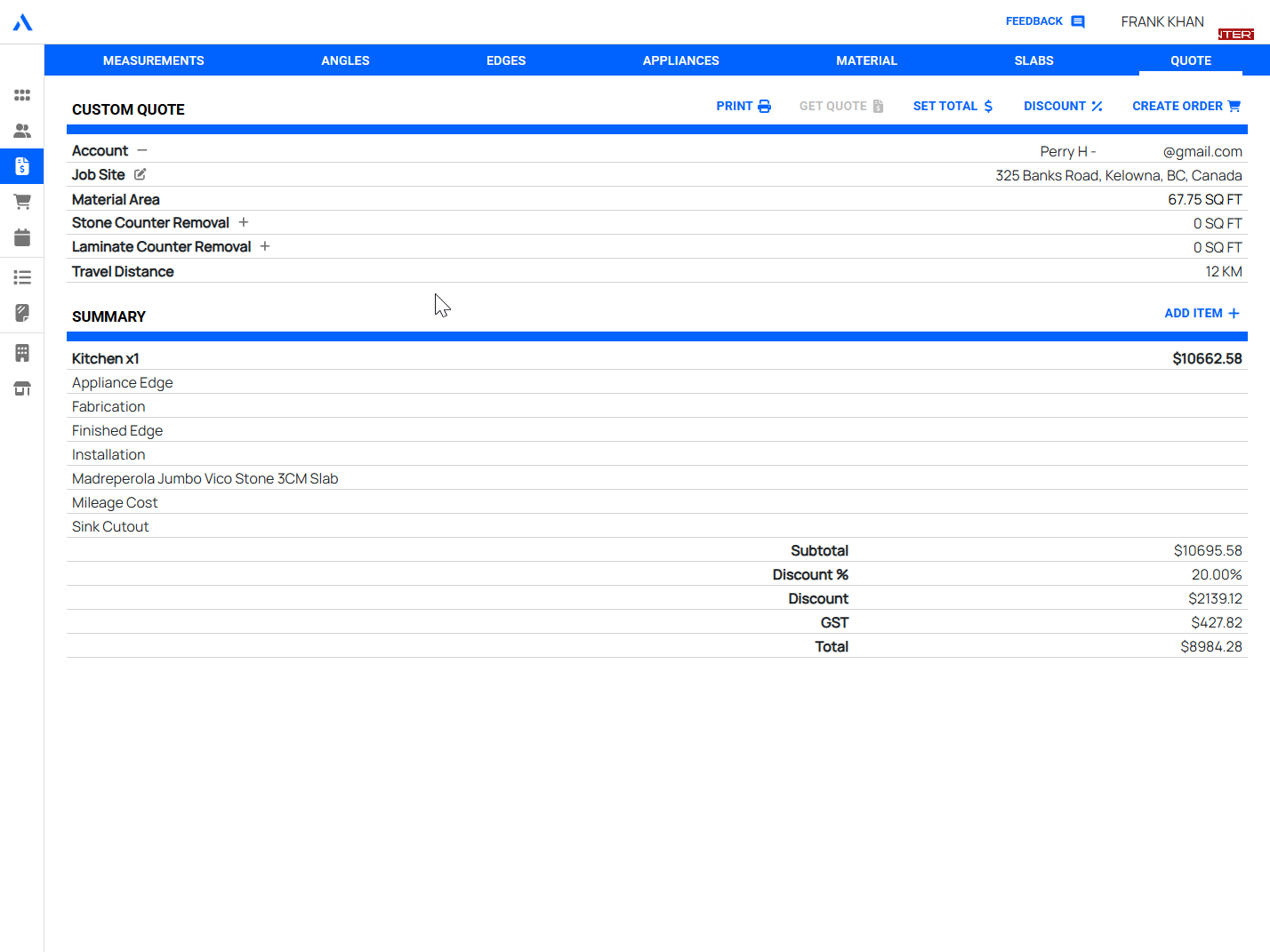
Turn quoting from a fragile spreadsheet process into a repeatable workflow with clear inputs, pricing rules, approvals, and saved history.

Guided estimate entry for staff

Reusable pricing logic and templates

Quote history, revisions, and customer context

Scheduling and production tracking

Scheduling and production tracking

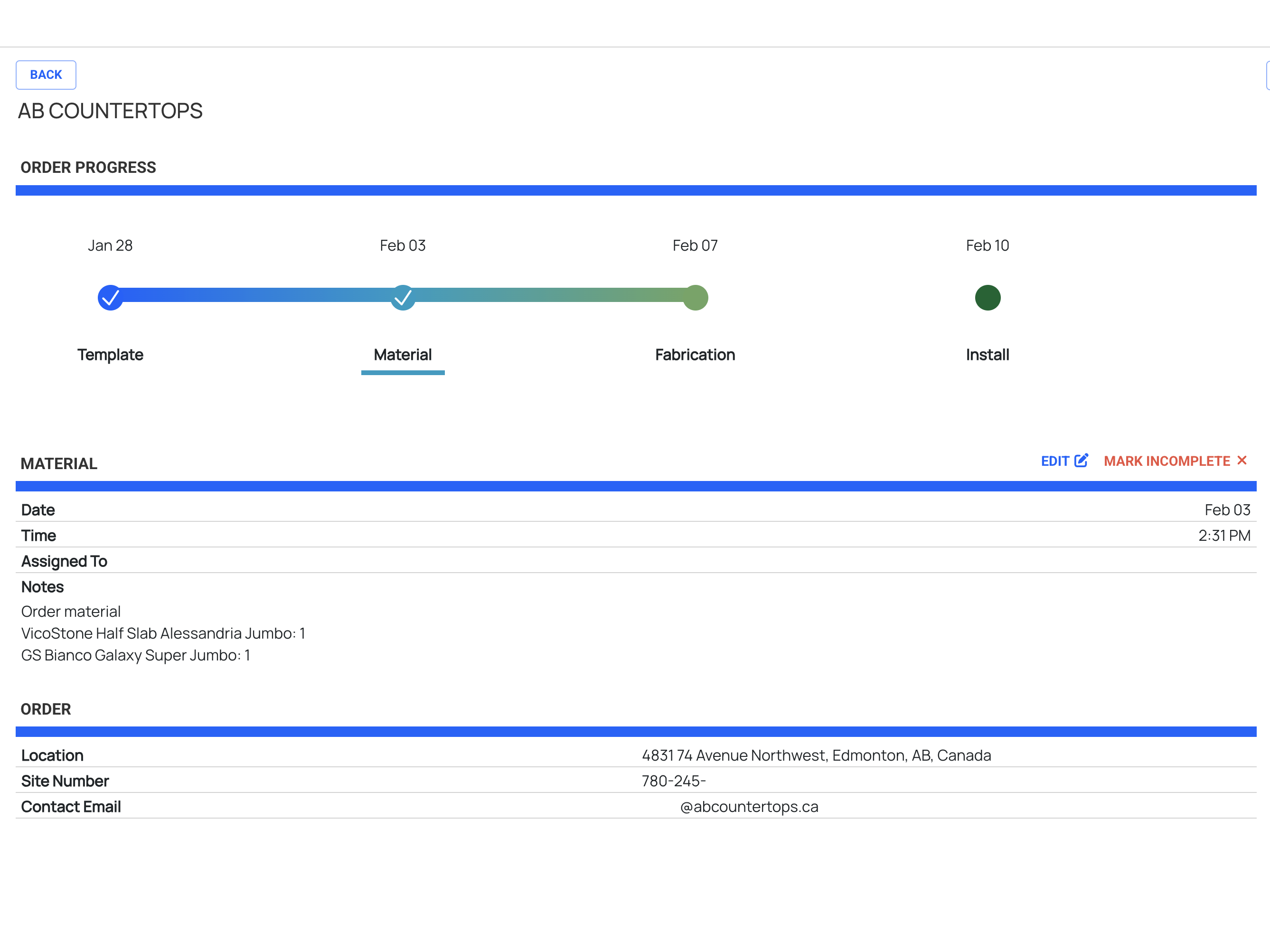
Give teams a shared view of what is scheduled, what is in progress, what is blocked, and what needs attention next.

Job status tracking across stages

Schedule views for staff and managers

Operational visibility without chasing updates

Inventory and materials workflows

Inventory and materials workflows

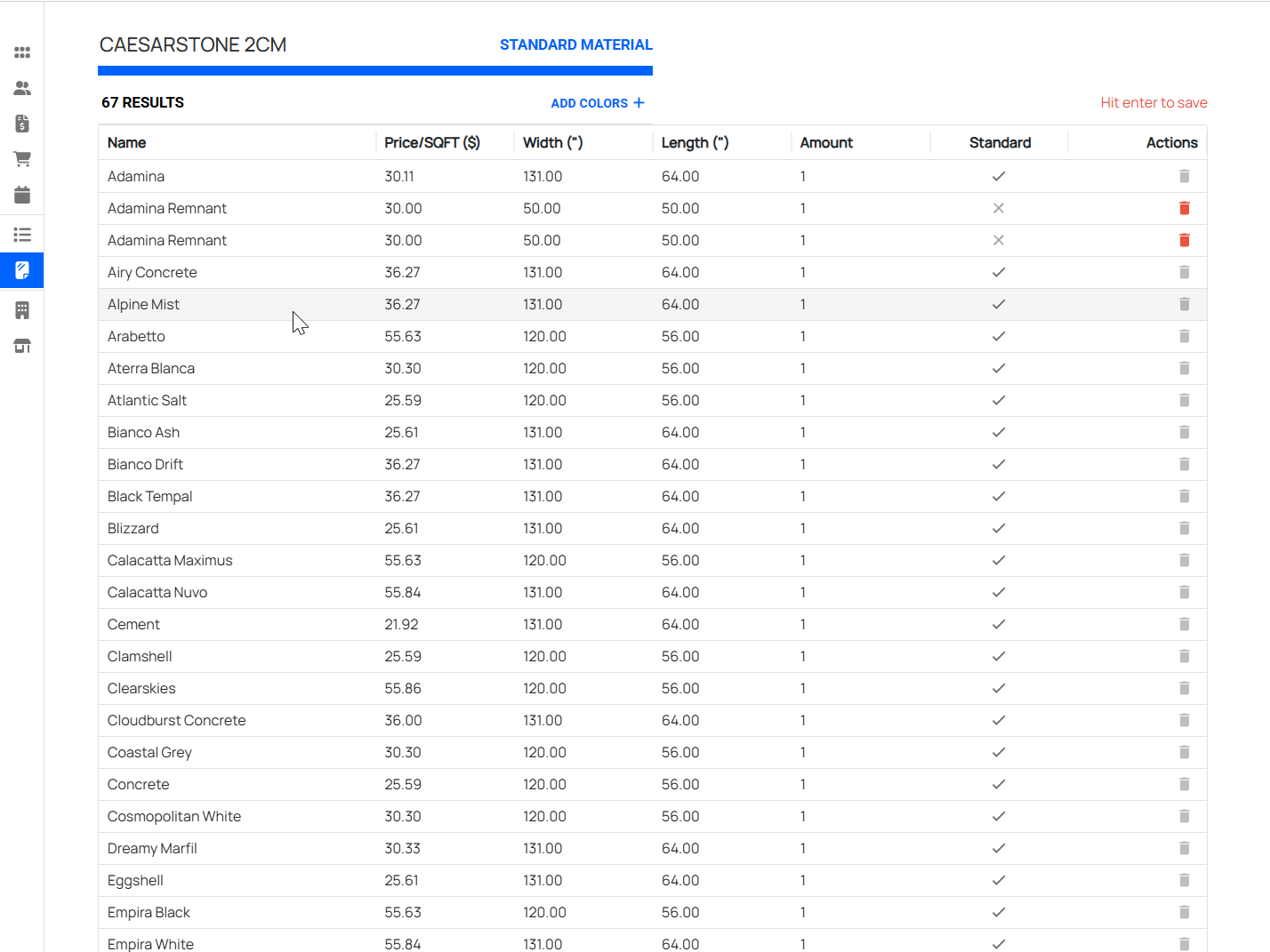
Replace manual counts and disconnected sheets with workflows that connect materials, jobs, purchasing, and availability.

Material usage tied to real work

Low-stock and reorder visibility

Better handoff between office and production

POS and payment integrations

POS and payment integrations

Connect payment or point-of-sale tools to the systems that actually run the business, reducing double-entry and reconciliation work.

Payment status synced into operations

POS data connected to customer or job records

Cleaner reporting across sales and fulfillment

Admin portals and dashboards

Admin portals and dashboards

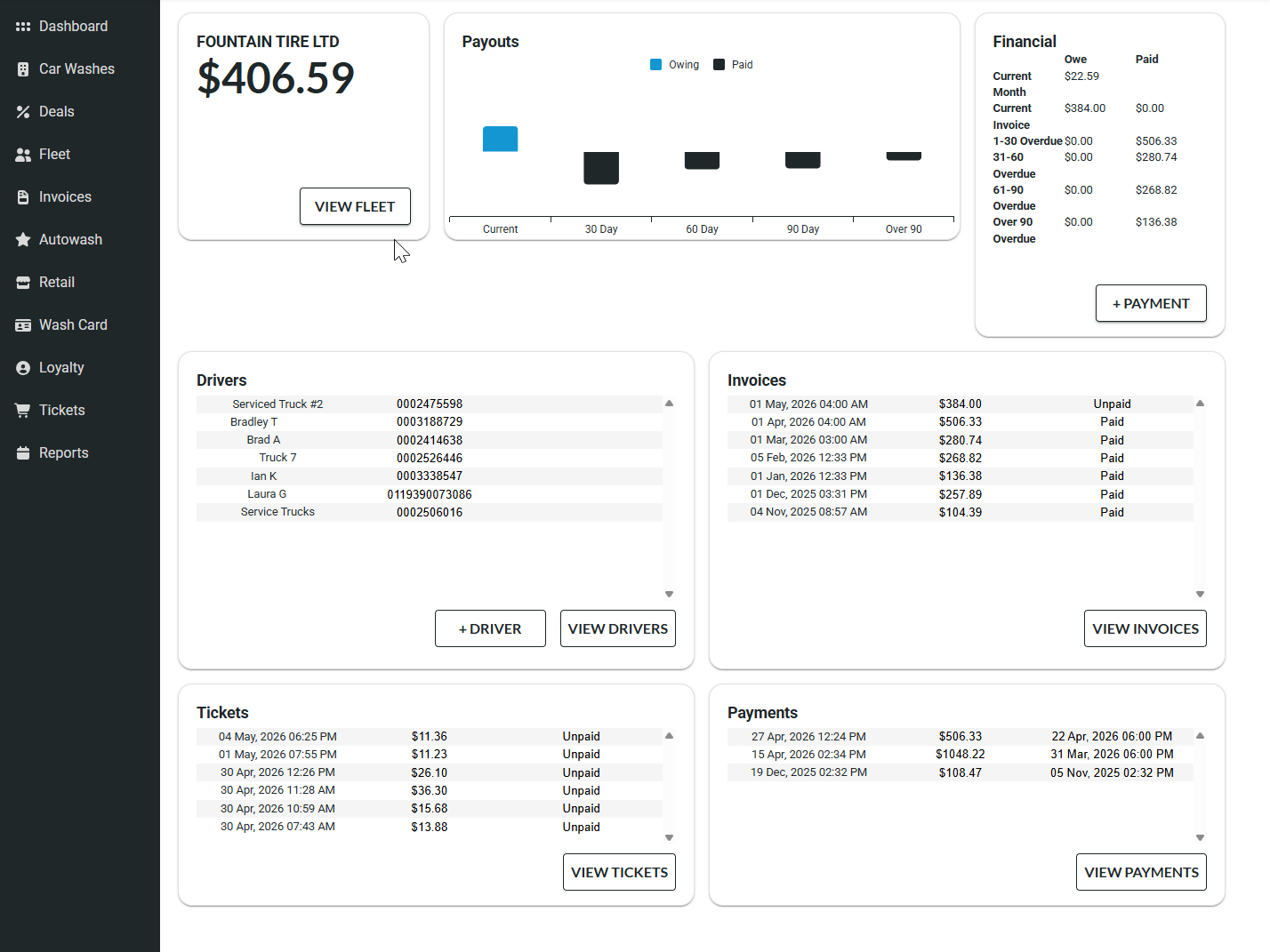
Create a central place for managers to review work, update records, manage settings, and understand what is happening in the business.

Role-based admin tools

Dashboards for key operational signals

Internal workflows designed around real decisions

Customer portals

Customer portals

Give customers a controlled way to submit information, review updates, access documents, or track requests without calling the office.

Customer-facing status views

Document and request submission

Reduced back-and-forth for routine updates

Reporting systems

Reporting systems

Move recurring reports out of manual spreadsheets and into reliable views that pull from the systems your team already uses.

Operational and management reporting

Exports for accounting or external systems

Less time preparing numbers by hand

Legacy workflow replacement

Legacy workflow replacement

Replace brittle spreadsheets, paper steps, and aging tools with software that matches how the business works today.

Step-by-step migration from current workflows

Practical replacement of high-friction tools

Room to evolve after the first launch

Hardware and software integrations

Hardware and software integrations

Connect the tools, devices, and services that need to work together so staff are not left bridging gaps manually.

Hardware, relay, or device integration

Third-party API connections

Internal systems that share the right data

Looking for a specific type of service?

These pages go deeper on the system types above and explain when each one makes sense.

Quoting and estimating systems

For pricing rules, revisions, approvals, quote history, and handoff from accepted estimates into real work.

View Service

Scheduling, dispatch, and production tracking

For work that moves through staff, stages, schedules, drivers, departments, or production steps.

View Service

Inventory and materials workflows

For stock, materials, job usage, purchasing visibility, supplier context, and operational reporting.

View Service

Customer and admin portals

For customer requests, staff tools, document submission, records, status views, and role-based workflows.

View Service

POS, payment, and hardware integrations

For payment state, POS data, equipment, devices, relay boards, APIs, and systems that need to connect.

View Service

Reporting and operational dashboards

For clearer business reporting without rebuilding the same spreadsheet views by hand.

View Service

Service examples from real projects.

These case studies show how the service categories come together in real business systems.

Arris Stone

A quoting and workflow platform for stone fabricators, including visual layout drawing, pricing, and job workflow.

View Case Study

Depot Dash

A booking, routing, driver workflow, bottle counting, payout, and admin platform for a pickup service.

View Case Study

Klarity Car Wash

A POS and wash-control replacement system connected to payments, accounts, reporting, and existing equipment.

View Case Study

Services FAQs

Do these systems have to be built as one large project?

No. Many projects start with the highest-friction workflow first, then expand into reporting, portals, integrations, or additional staff tools after the first useful version is live.

Can Codebytes improve an existing system instead of replacing it?

Sometimes. If the existing system is maintainable and still supports the business, improvements or integrations may be better than a full rebuild. If it is unsupported, brittle, or blocking important workflows, replacement may be the better path.

Which service category should a project fit into?

It does not need to fit neatly into one category. Many operational systems combine quoting, scheduling, admin tools, reporting, integrations, and customer-facing workflows.

What should the first version include?

The first version should focus on the workflow that creates the most operational value: reducing duplicated work, improving visibility, replacing a fragile manual process, or connecting tools that staff currently bridge by hand.

Not sure which system your workflow needs?

Start with the business problem, the current tools, and the workflow that is slowing the team down.

Discuss a Project